
Mapping model data to BOQ items
A workflow guide for preparing and reviewing a BOQ. It describes professional checks and does not promise automatic recognition, compatibility or a connection that has not been verified for the project.
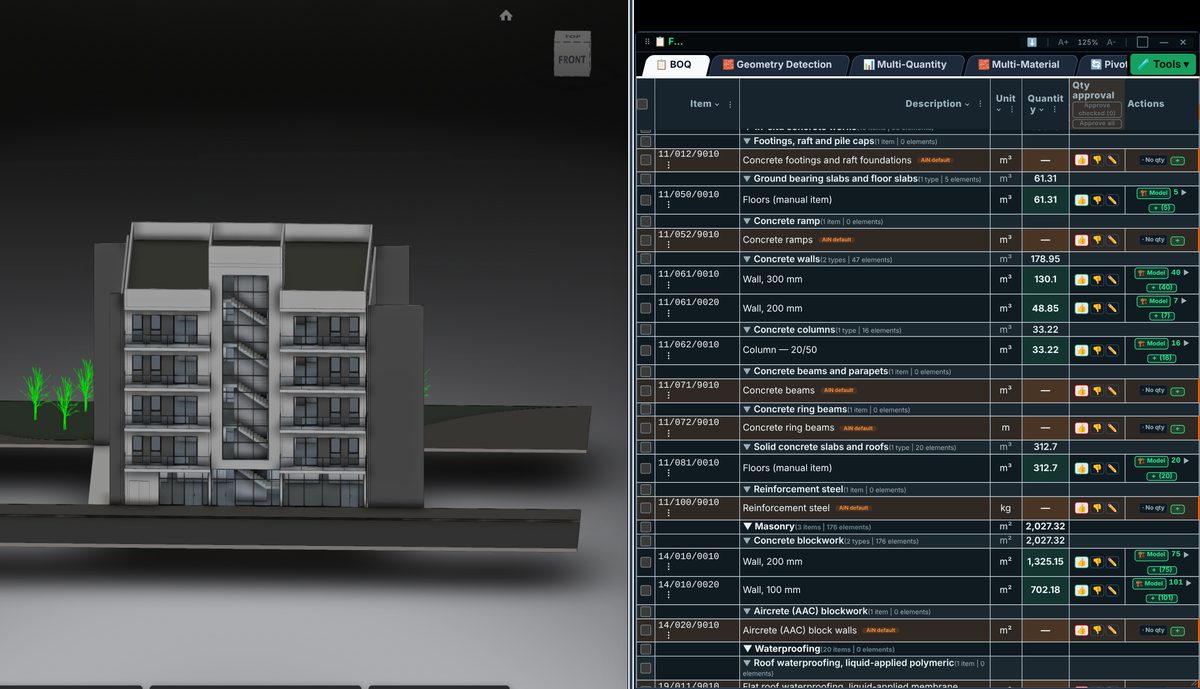
Check the source
Mapping begins with the work description rather than the family name alone. Check material, use, location and measurement unit against the intended item. One element can represent several work activities, each requiring a defined scope.
Incorporate the data
A mapping rule should be explainable: which data triggered it, what it includes and what requires completion. Do not transfer it to another project without checking the model structure and contract documents.
Review before issue
Start with a small representative group and check the result against drawings. After refining the rule, review exceptions and unmapped elements. A quantity total cannot replace inspection of the lines that produced it.
Review checklist
- Identify the source file and revision.
- Record the unit and measurement rule, and check scope boundaries.
- Distinguish model data, manual completion and AI suggestions.
- Record missing data or exceptions before using a quantity for pricing.