
Managing BIM model versions and sources
A workflow guide for preparing and reviewing a BOQ. It describes professional checks and does not promise automatic recognition, compatibility or a connection that has not been verified for the project.
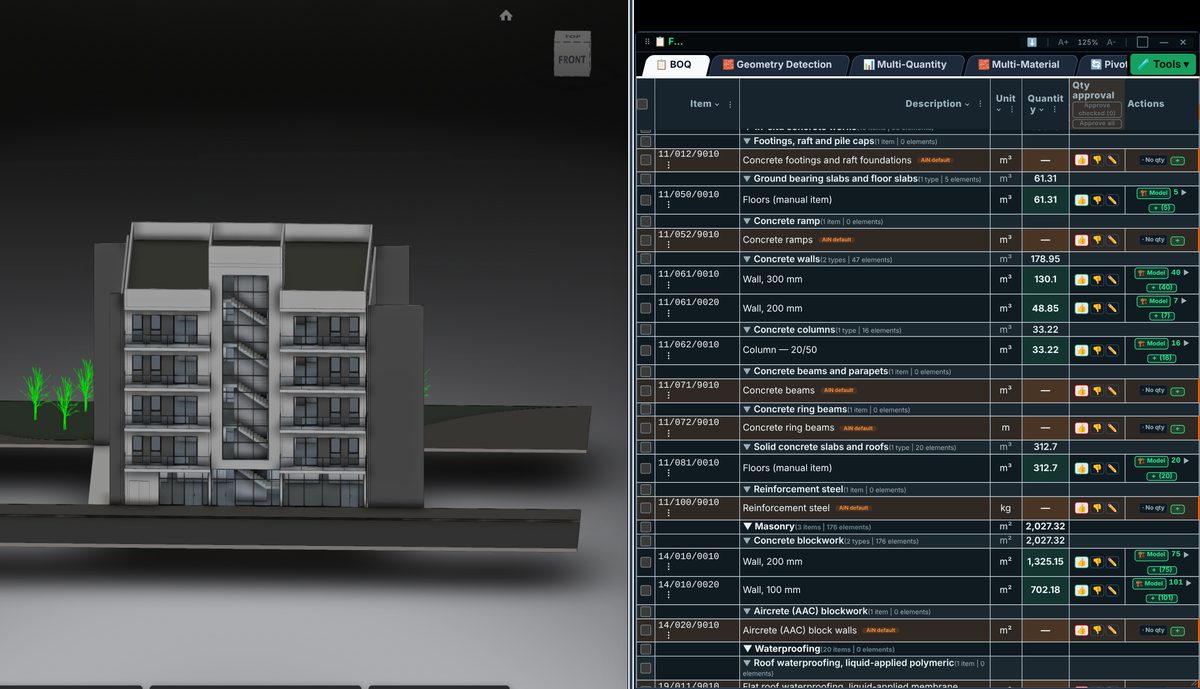
Check the source
Record project ID, file name, date and revision for every job. Uploading a file does not remove the need to identify the model behind a measurement. Keep a register of linked files and documents used in the review.
Incorporate the data
A new revision requires checks of element and mapping changes. Two similarly named files are not necessarily identical. A revised linked file can affect results even where the main file name has not changed.
Review before issue
File access, retention and cloud-service costs depend on the actual permissions and agreement. This guide does not promise a particular connection, storage allowance or paid service. Check authorisation before using client material.
Review checklist
- Identify the source file and revision.
- Record the unit and measurement rule, and check scope boundaries.
- Distinguish model data, manual completion and AI suggestions.
- Record missing data or exceptions before using a quantity for pricing.