
Comparing calculated quantities with Revit data
A workflow guide for preparing and reviewing a BOQ. It describes professional checks and does not promise automatic recognition, compatibility or a connection that has not been verified for the project.
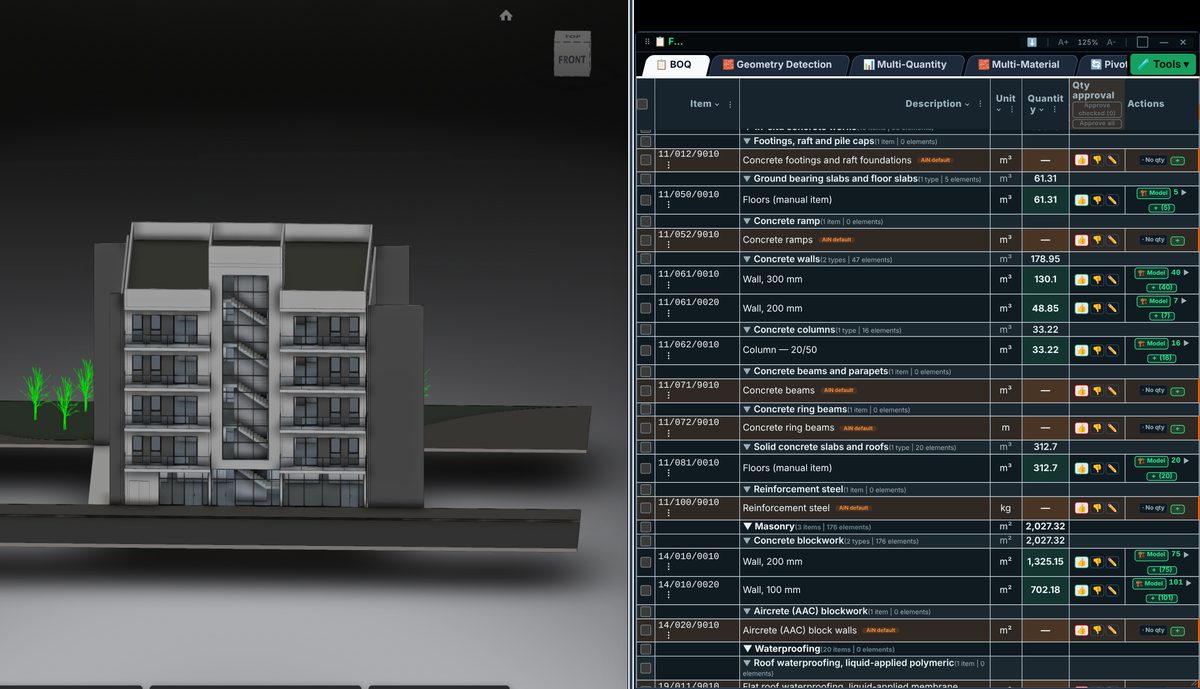
Check the source
Begin with the same revision and element set. Record the unit and selected field on each side. Different numbers are not necessarily an error if one side represents gross area and the other net area or a different scope.
Incorporate the data
Start with identifiable individual elements before reviewing groups. Investigate openings, joins, filters and linked files when differences arise. A local explanation is more useful than an arbitrary adjustment to the grand total.
Review before issue
Retain a comparison table with ID, source, both values and the reviewer decision. Agreement in a sample does not prove agreement across the whole model or establish a general project accuracy percentage.
Review checklist
- Identify the source file and revision.
- Record the unit and measurement rule, and check scope boundaries.
- Distinguish model data, manual completion and AI suggestions.
- Record missing data or exceptions before using a quantity for pricing.