
Preparing a Revit model for quantity tools
A workflow guide for preparing and reviewing a BOQ. It describes professional checks and does not promise automatic recognition, compatibility or a connection that has not been verified for the project.
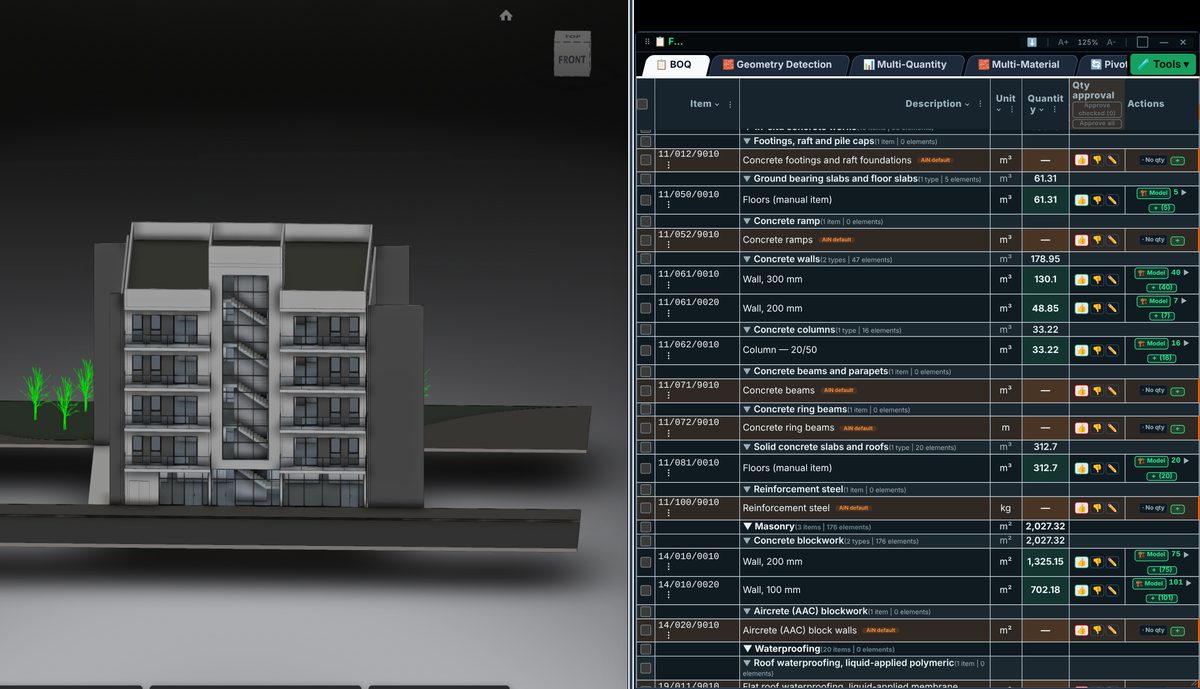
Check the source
Before using an add-in, check Revit-version compatibility and official installation instructions. A menu command does not establish that every result suits the project. Prepare a working copy and retain the model revision used for review.
Incorporate the data
Define the intended output: an element list, data subset or measurement basis. Review categories, linked files and units before applying the workflow to the entire model. Comparison with a known element helps establish what the operation actually read.
Review before issue
A controlled workflow retains review results and records model-changing actions. This guide is not a command catalogue or a promise that a command exists in a particular release; check compatibility against the version in use.
Review checklist
- Identify the source file and revision.
- Record the unit and measurement rule, and check scope boundaries.
- Distinguish model data, manual completion and AI suggestions.
- Record missing data or exceptions before using a quantity for pricing.